Learn Digital Collage from Scratch
Perfect for absolute beginners looking to explore the world of Digital Collage on the iPad.
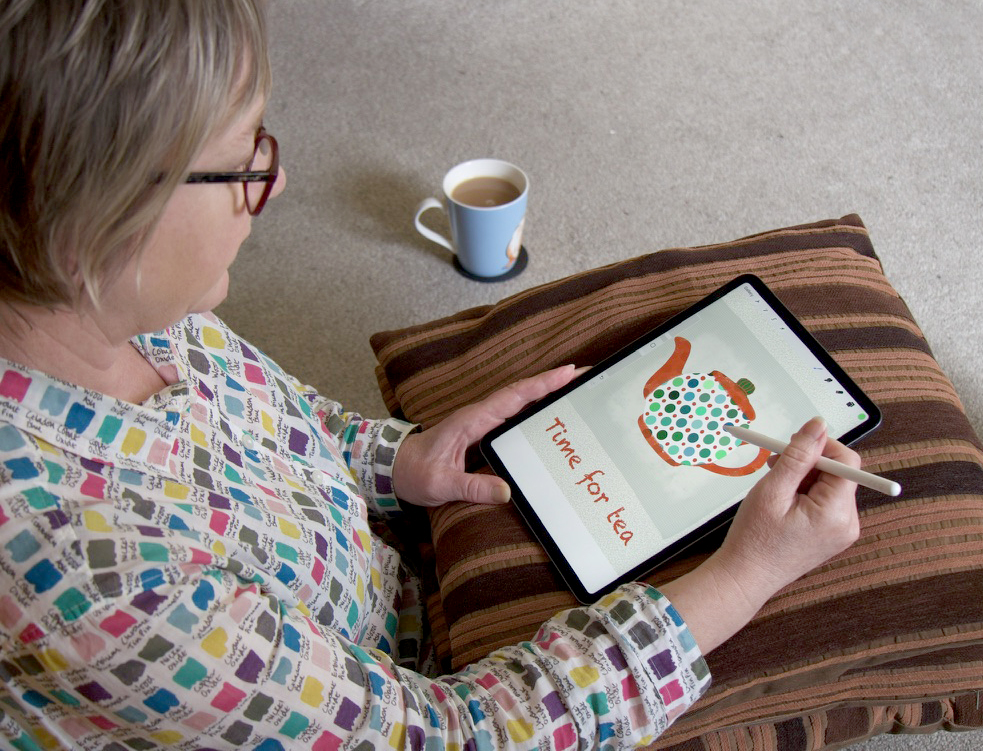
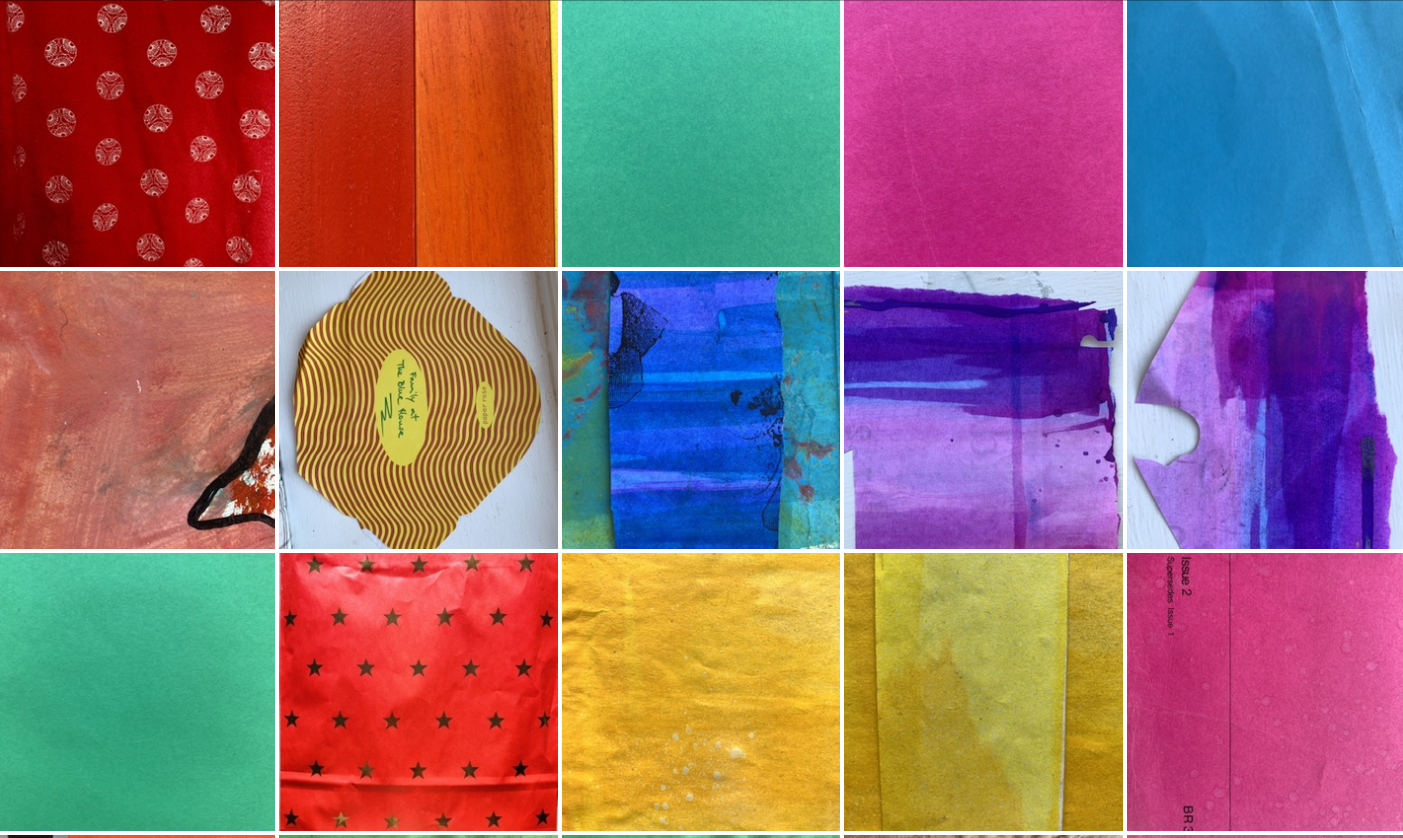
Master Procreate App Techniques
Discover the essential tools and techniques to create exciting digital collage using Procreate.
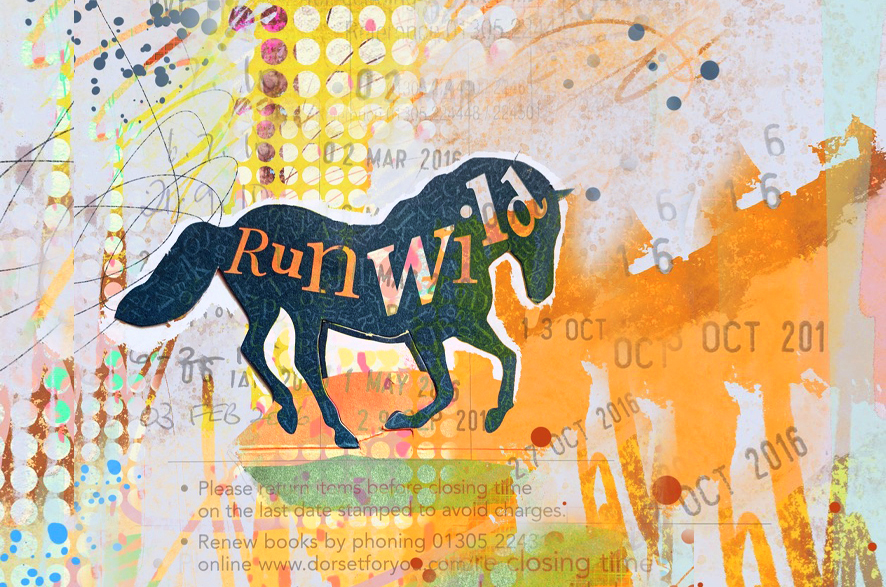
Unlock Your Artistic Potential
Tap into your creativity and express yourself through digital collage, even if you're new to the digital art world.
About the Course
My course is tailored for those of you who are new to digital art and want to dive into the exciting realm of Digital Collage. Whether you're an analog artist transitioning to digital or a complete beginner, this course will guide you through the fundamentals, empowering you to create beautiful digital collages effortlessly. Join me to unleash your creativity and bring your artistic visions to life with ease.
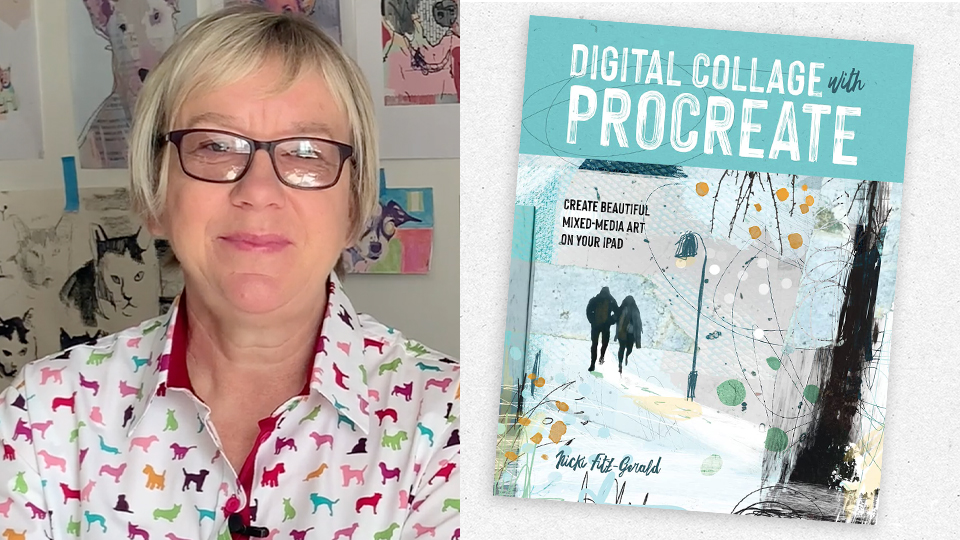
Meet Your Instructor - Nicki Fitz-Gerald
Hello, I’m Nicki artist and author of the best selling book “Digital Collage with Procreate.” I’m thrilled to be your guide on this creative journey. As a seasoned digital artist with a passion for teaching, I understand the challenges of transitioning to digital art, especially for beginners. My goal is to help you embrace the digital medium, overcome any obstacles, and discover the joy of creating exciting digital collages. Let’s embark on this artistic adventure together!
What People Are Saying
Discover how my courses have transformed the digital art experience for my students.
I enjoy working in both traditional and digital…Your class was well-taught, thorough and easy to follow. Love your approach of working in simple shapes and using ready made textures, making the art making process less overwhelming, especially when I want to easily add depth and interest to an illustration.
US
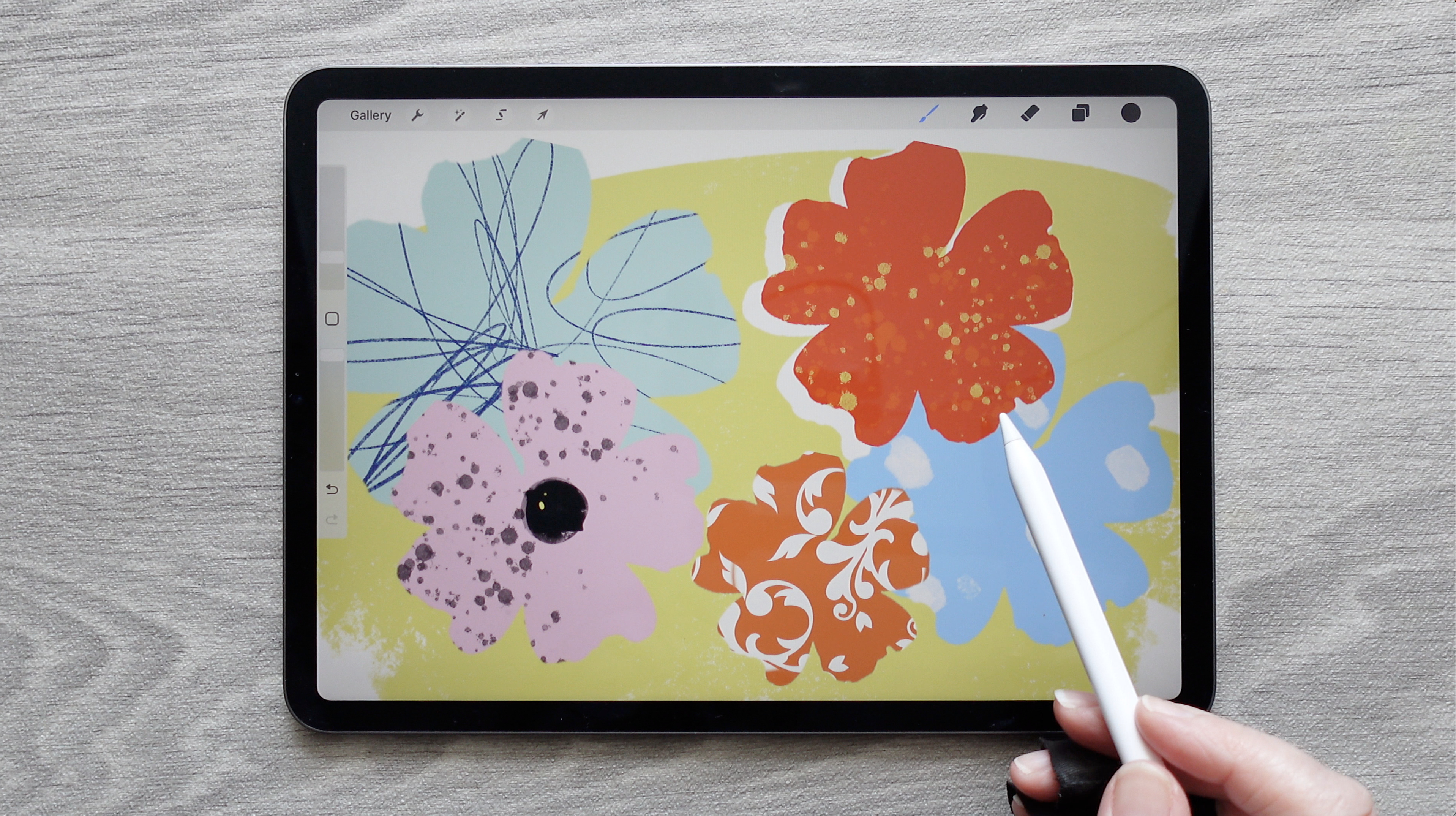
I’ve used procreate for years and never “got” clipping masks until I watched Nicki’s video. Yea!!!
US
The instructions for the exercises are very easy to follow. Nicki's work is so inspirational, and each day brings excitement as I work through the exercises. SO glad to have purchased her book... saying it's "changed my life" sounds dramatic, but it's true.
UK
What i like most about the courses is the detailed way Nicki goes through the process. She shows you precisely how to create an artwork, with all of the details and with no gaps in the explanations. This is what I really appreciate.
US
All your courses have a wealth of inspiration and easy to follow steps….Thank you!
NY, US.
I have been learning how to do art on my iPad since 2020, and especially love Nicki FitzGerald's courses, style and approach to art. I have been using Procreate for a few years now, but am always open to new apps and learning more! I love strong colours, but especially combined with grunge and textures!
Australia
I enjoy working in both traditional and digital…Your class was well-taught, thorough and easy to follow. Love your approach of working in simple shapes and using ready made textures, making the art making process less overwhelming, especially when I want to easily add depth and interest to an illustration.
US
What i like most about the courses is the detailed way Nicki goes through the process. She shows you precisely how to create an artwork, with all of the details and with no gaps in the explanations. This is what I really appreciate.
US
I have been learning how to do art on my iPad since 2020, and especially love Nicki FitzGerald's courses, style and approach to art. I have been using Procreate for a few years now, but am always open to new apps and learning more! I love strong colours, but especially combined with grunge and textures!
Australia
I’ve used procreate for years and never “got” clipping masks until I watched Nicki’s video. Yea!!!
US
The instructions for the exercises are very easy to follow. Nicki's work is so inspirational, and each day brings excitement as I work through the exercises. SO glad to have purchased her book... saying it's "changed my life" sounds dramatic, but it's true.
UK
All your courses have a wealth of inspiration and easy to follow steps….Thank you!
NY, US.
Course Content
-
1
Part 1 - Getting Comfortable
-
(Included in full purchase)
Welcome
-
(Included in full purchase)
What iPad and Accessories to Use
-
(Included in full purchase)
How to install Procreate
-
(Included in full purchase)
Setting Up Your Canvas
-
(Included in full purchase)
Setting up Preferences and using Procreate Gestures
-
(Included in full purchase)
Getting familiar with brushes, tools and features
-
(Included in full purchase)
Collage materials: Introduction to collecting and organising
-
(Included in full purchase)
Draw and Colour Shapes
-
(Included in full purchase)
Colouring Photos
-
(Included in full purchase)
Finding Colour Inspiration: Snap, Collect & Create
-
(Included in full purchase)
Colour inspiration Library - more thoughts on colour
-
(Included in full purchase)
-
2
Part 2: Core Digital Collage Skills
-
(Included in full purchase)
Introduction
-
(Included in full purchase)
1. Where to find free materials
-
(Included in full purchase)
2. Importing Photos
-
(Included in full purchase)
3i. Cut outs 1 - precisely with the Freehand tool
-
(Included in full purchase)
3ii. Cut outs 2 - soft edges, lettering and freestyle
-
(Included in full purchase)
3iii. Cut out 3 - remove background with Automatic Selection tool
-
(Included in full purchase)
4i. Alpha Lock - colour inside the edges
-
(Included in full purchase)
4ii. Alpha Lock - Exercise
-
(Included in full purchase)
5. Colour Adjustments - applying and modifying colour
-
(Included in full purchase)
6i. Layer Masks - intro
-
(Included in full purchase)
6ii. Layer Masks - blending images together
-
(Included in full purchase)
7. Clipping Masks - constrain texture & paint within a shape
-
(Included in full purchase)
8. Blend Modes - building textures with depth
-
(Included in full purchase)
9. Extracting Patterns with the Automatic Selection tool
-
(Included in full purchase)
10. Practice Project - abstract collage
-
(Included in full purchase)
-
3
Part 3: Final Project
-
(Included in full purchase)
Introduction
-
(Included in full purchase)
Start the Project - Create a canvas
-
(Included in full purchase)
Draw and Colour Shapes
-
(Included in full purchase)
Add Textures
-
(Included in full purchase)
Composition - Review and Modify
-
(Included in full purchase)
Add Outlines, Drop Shadows and Textured Background
-
(Included in full purchase)
Finishing touches
-
(Included in full purchase)
Don't stop there!
-
(Included in full purchase)
-
4
Bonus Section
-
(Included in full purchase)
Save and Export your work
-
(Included in full purchase)
Final Project - extra finishing touches
-
(Included in full purchase)
Update! Slide-view to access Photos
-
(Included in full purchase)
Split-View for older versions of iOS
-
(Included in full purchase)
How to Download the Free Resources
-
(Included in full purchase)
Downloadable Resources
-
(Included in full purchase)
Ready to Dive Into Digital Collage?
Start creating exciting digital artwork and explore the endless possibilities of digital collage today!
$67.00
FAQs
Is this course suitable for complete beginners? Yes. This course is designed specifically for beginners. You don’t need drawing skills, prior experience with Procreate or confidence with digital tools. Everything is explained step by step, and nothing is rushed. I’ve opened Procreate before and felt overwhelmed. Will this help? That’s exactly who this course is for. The lessons are structured to help you feel comfortable first, before moving into collage techniques. You can pause, rewind, and revisit lessons at any time. Do I need to be good at drawing? No. Digital collage doesn’t rely on drawing ability. You’ll be working with shapes, textures, photos, and colour — not detailed illustration. What equipment do I need? You’ll need: • An iPad (iPad Pro and Air also suitable) • The Procreate app • An Apple Pencil (or compatible stylus) There’s a lesson early in the course that explains iPads, accessories, and settings in simple terms. How long do I have access to the course? You’ll have lifetime access. You can work through the course at your own pace and return to it whenever you like. How long is the course? The course includes: • 4 chapters • 39 lessons Most lessons are short and focused. You don’t need to complete everything in one go — it’s designed to fit around real life. When does the course start? You can start as soon as you enrol. Is this course live or pre-recorded? All lessons are pre-recorded. That means you can watch them whenever it suits you, pause when needed, and revisit anything you want to practise again. What if I get stuck or feel unsure? Feeling unsure at times is completely normal when learning something new. The course is designed to guide you gently, and lessons build on one another. You don’t need to understand everything straight away. Is this the same as Nicki’s book? No — it complements the book but doesn’t replace it. The course shows you the process step by step, on screen, inside Procreate, - watching over Nicki’s shoulder which many beginners find easier to follow than written instructions alone. Can I use this course even if I’m not confident with technology? Yes. Nothing is assumed. Settings, gestures, and tools are explained clearly, and you can take as much time as you need. Is there a refund if it’s not for me? Yes. If you’re not entirely satisfied, you can request a full refund within 14 days of enrolling — no quibble, no explanations needed. Just get in touch and I’ll take care of it. Still have a question? You’re very welcome to get in touch. If you’re unsure about anything at all, just send a message — I’m happy to help. [email protected] = Nicki = ❤️📱🎨